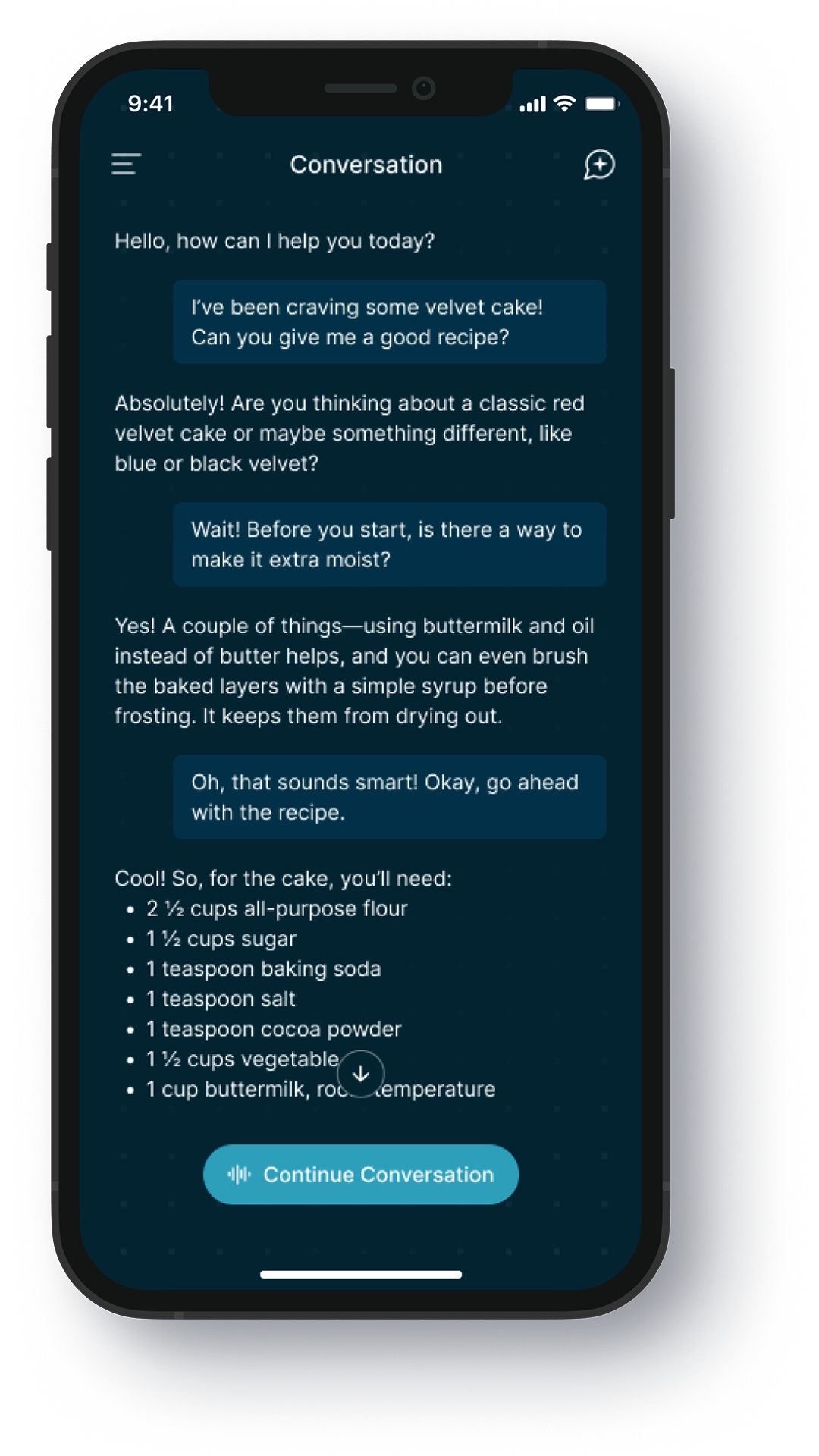
Orga AI App

Designing a 0 → 1
mobile AI assistant

A mobile experience for interacting with AI through
voice, camera and real-time input.

0 → 1
·
AI
·
MOBILE
Role
Product Designer / UX/UI Designer
Timeline
3 months
01
The opportunity

Moving beyond text-first AI interactions

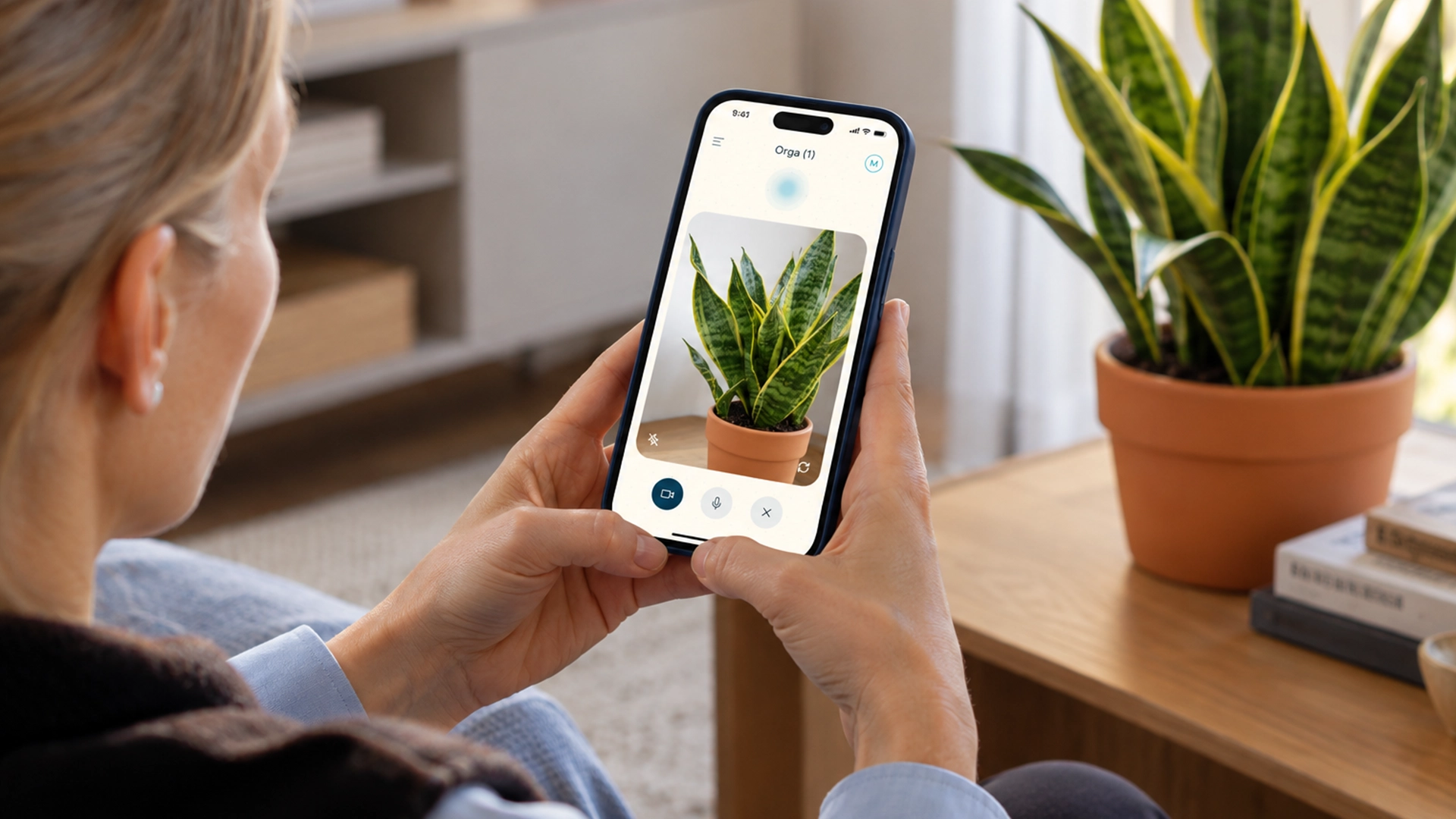
Most AI assistants still relied heavily on text. Orga wanted to explore a more natural mobile experience combining voice, camera and real-time input in a product that could feel simple enough for everyday use.

02
From discovery to direction

Turning research into a focused MVP

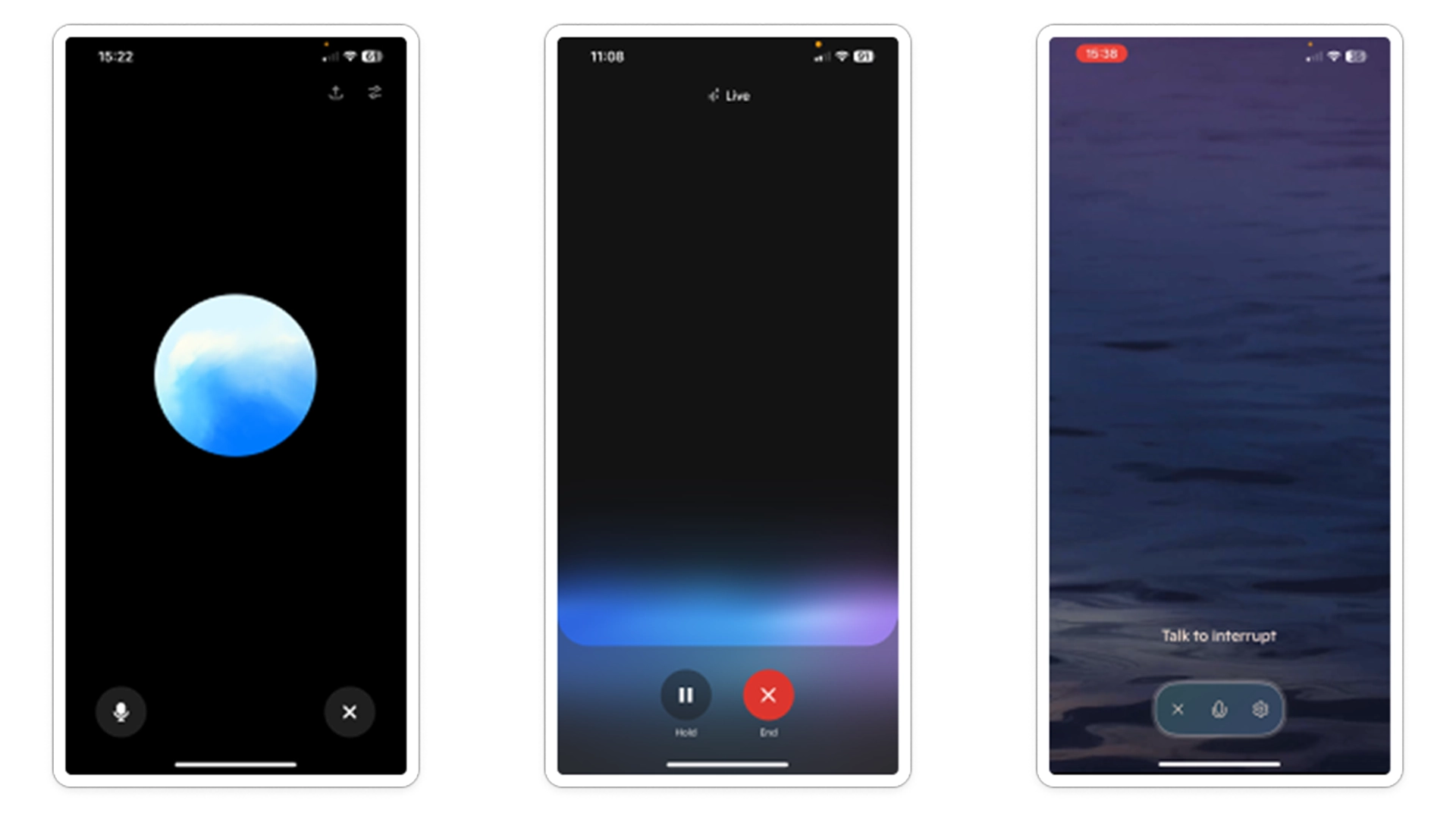
I reviewed existing AI products and interaction patterns, mapped potential use cases and grouped recurring needs and opportunities.
This helped narrow a broad product idea into a clearer direction for the first release.

Competitor analysis

Key interaction models, strengths and gaps.

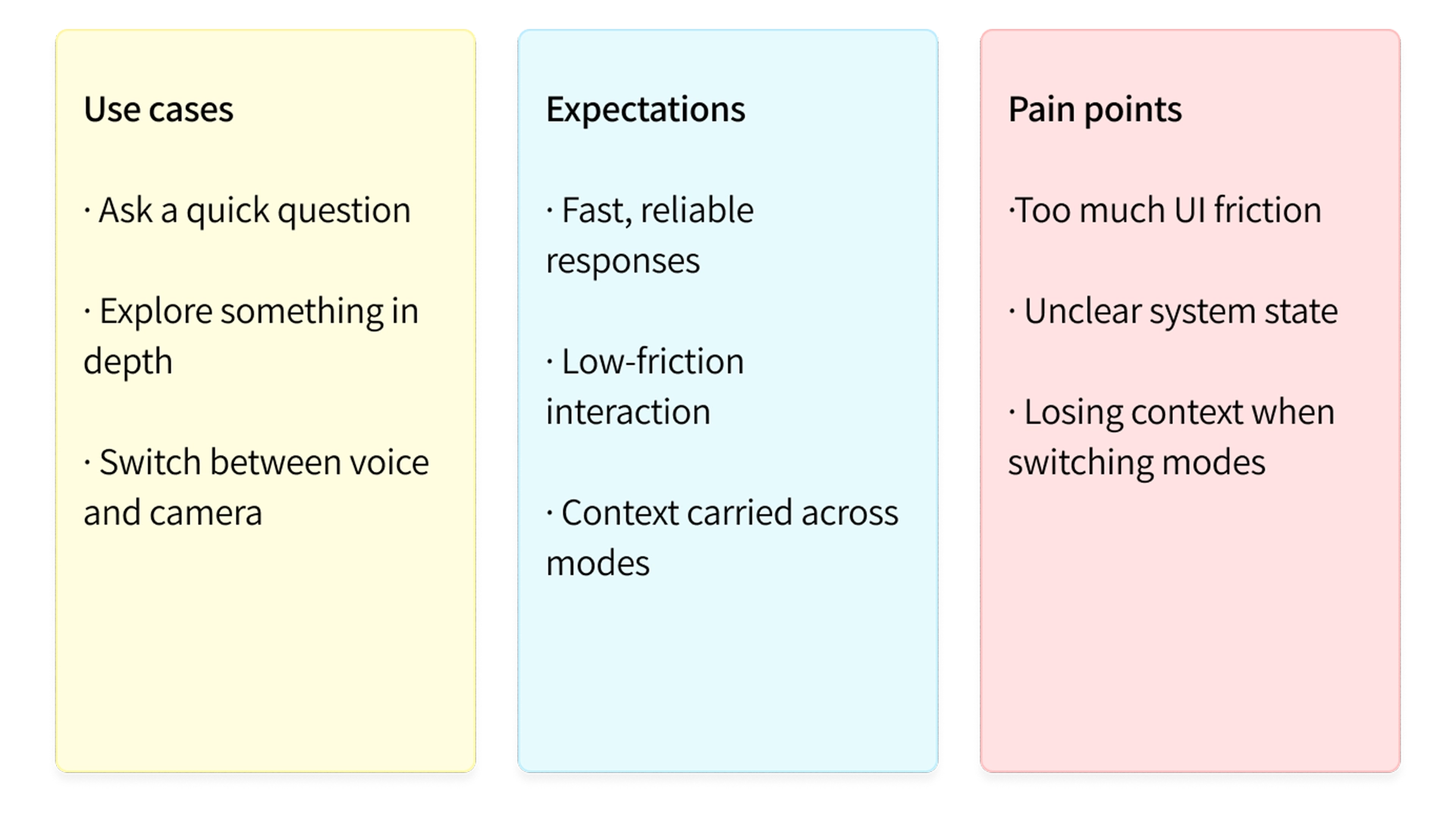
User needs

Main use cases, expectations and pain points.

Early concepts

Translating insights into early interaction patterns.

03
Designing the core experience

A simple interface for multiple ways to interact

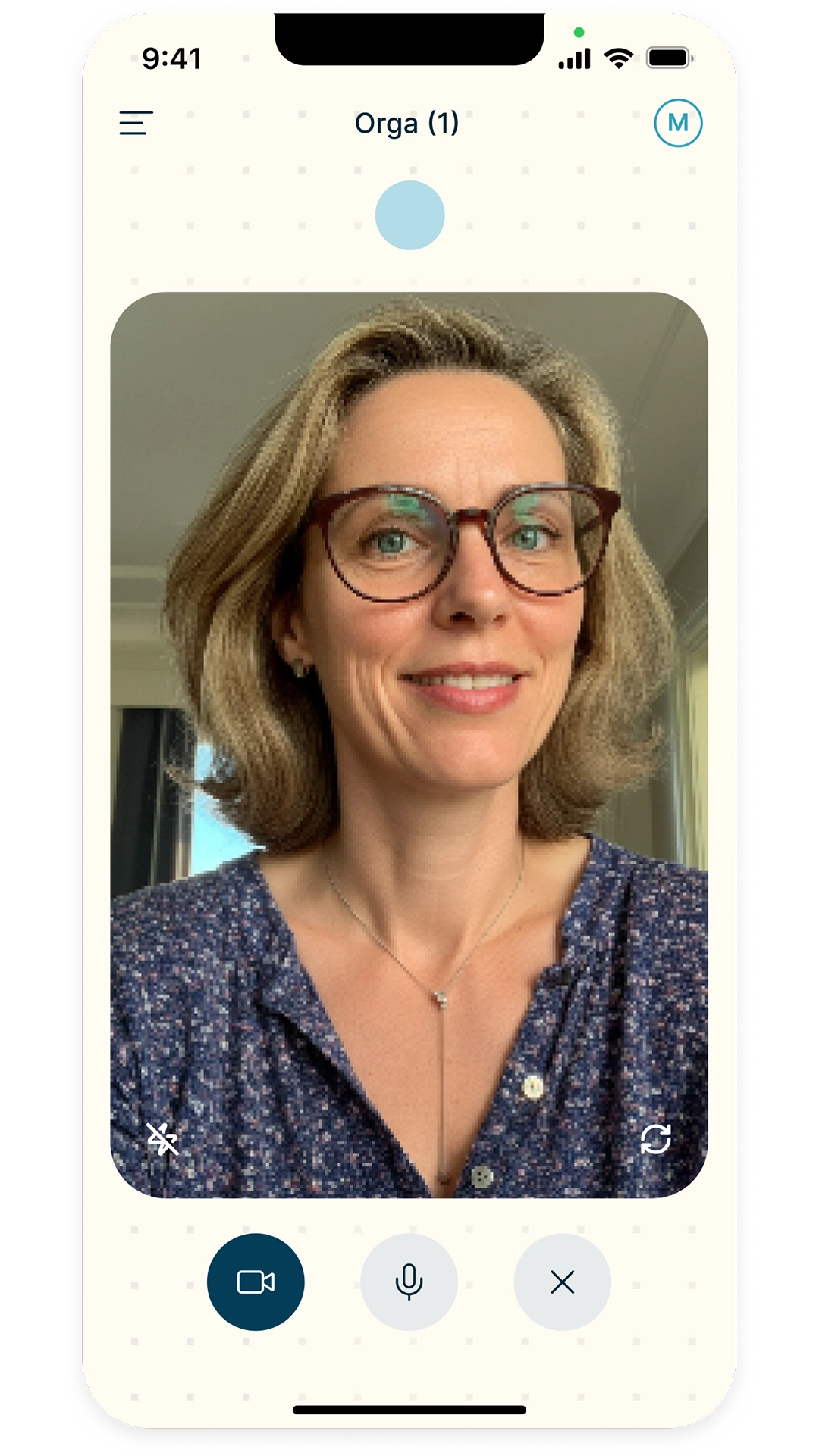
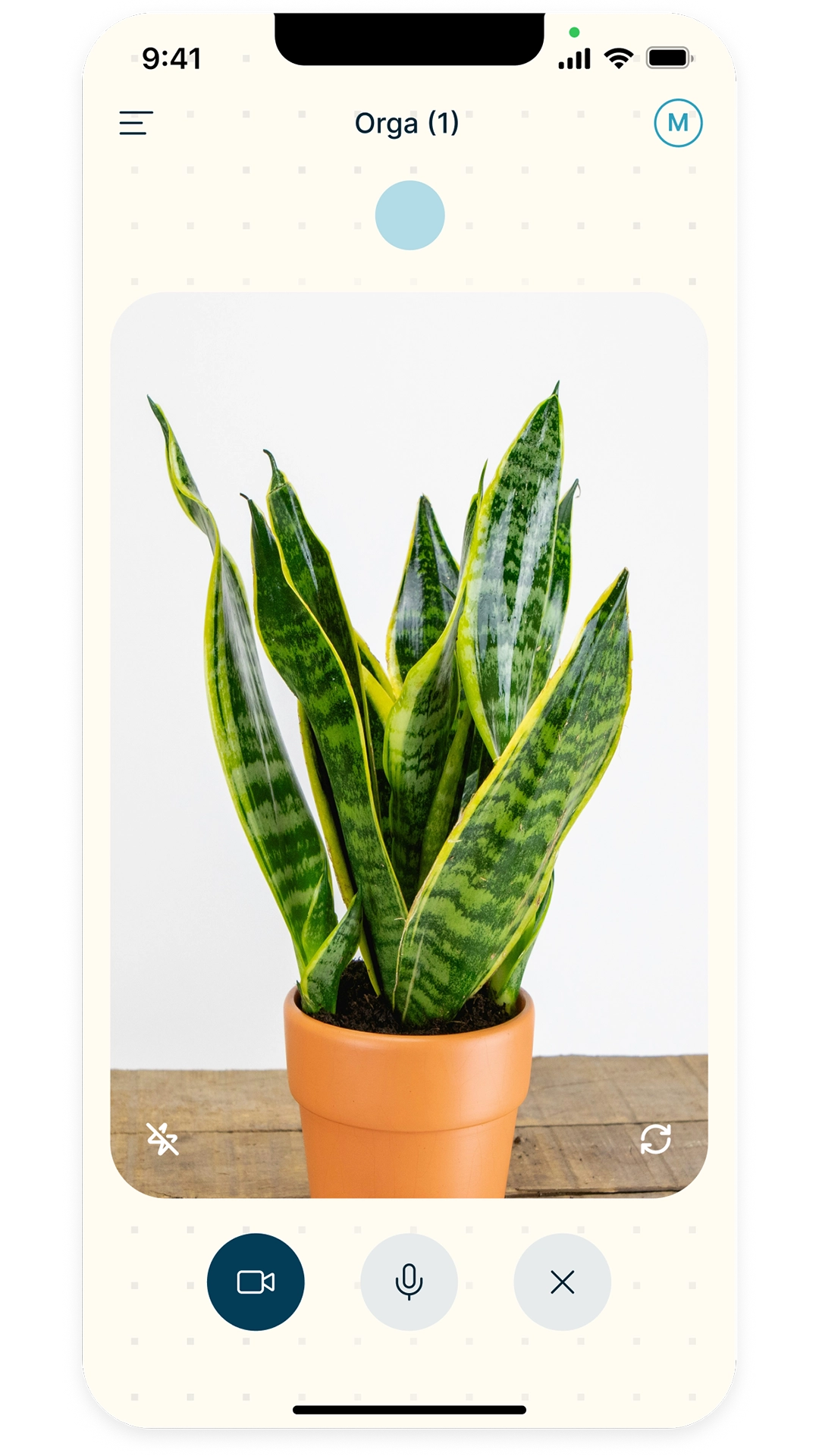
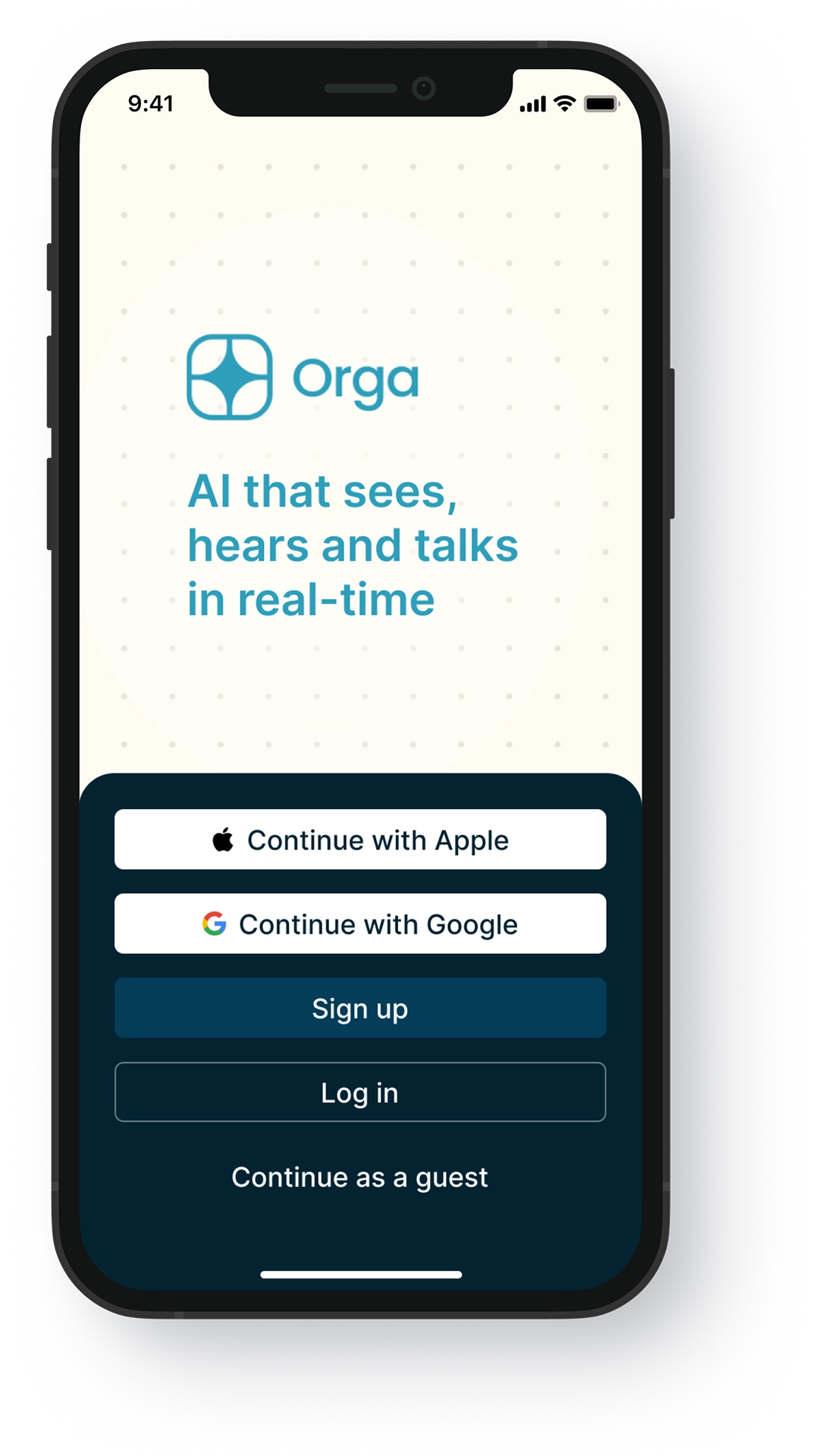
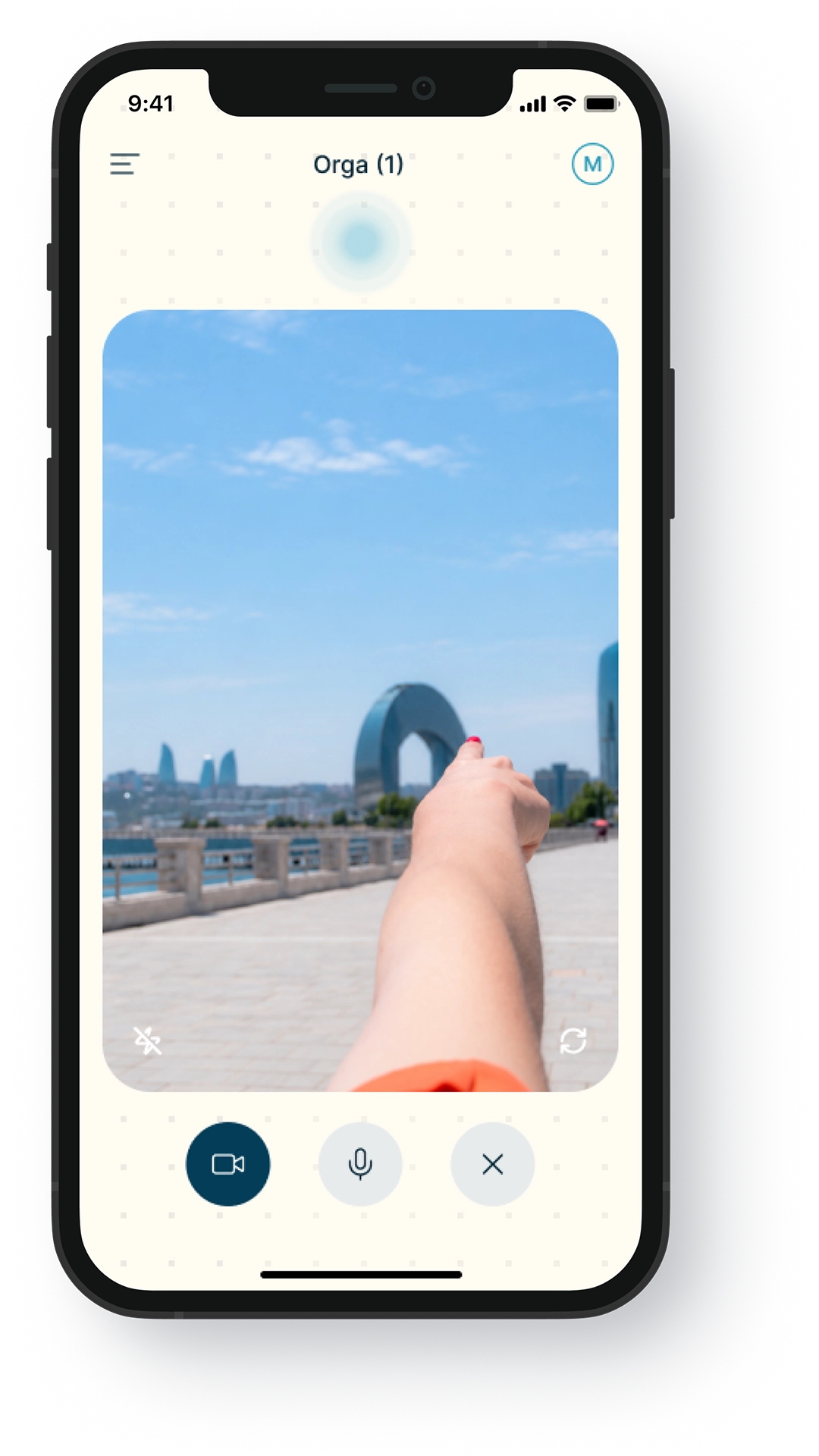
I iterated on the main flows for voice, camera and text, exploring how to make each capability easy to discover without overloading the interface. Early wireframes helped define the core journey before moving into high-fidelity design and prototyping.

Start
Listening
Front camera
Back camera
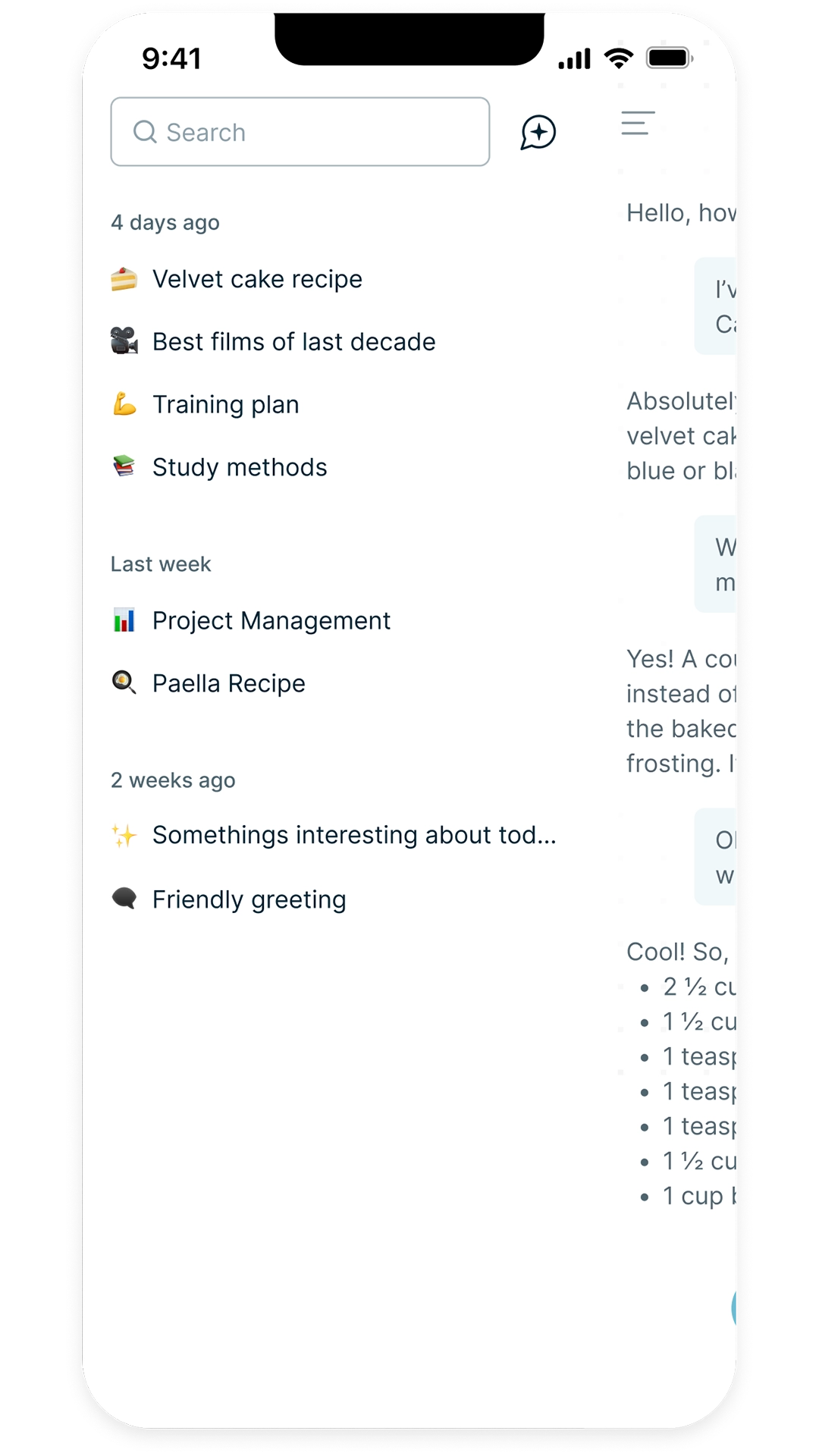
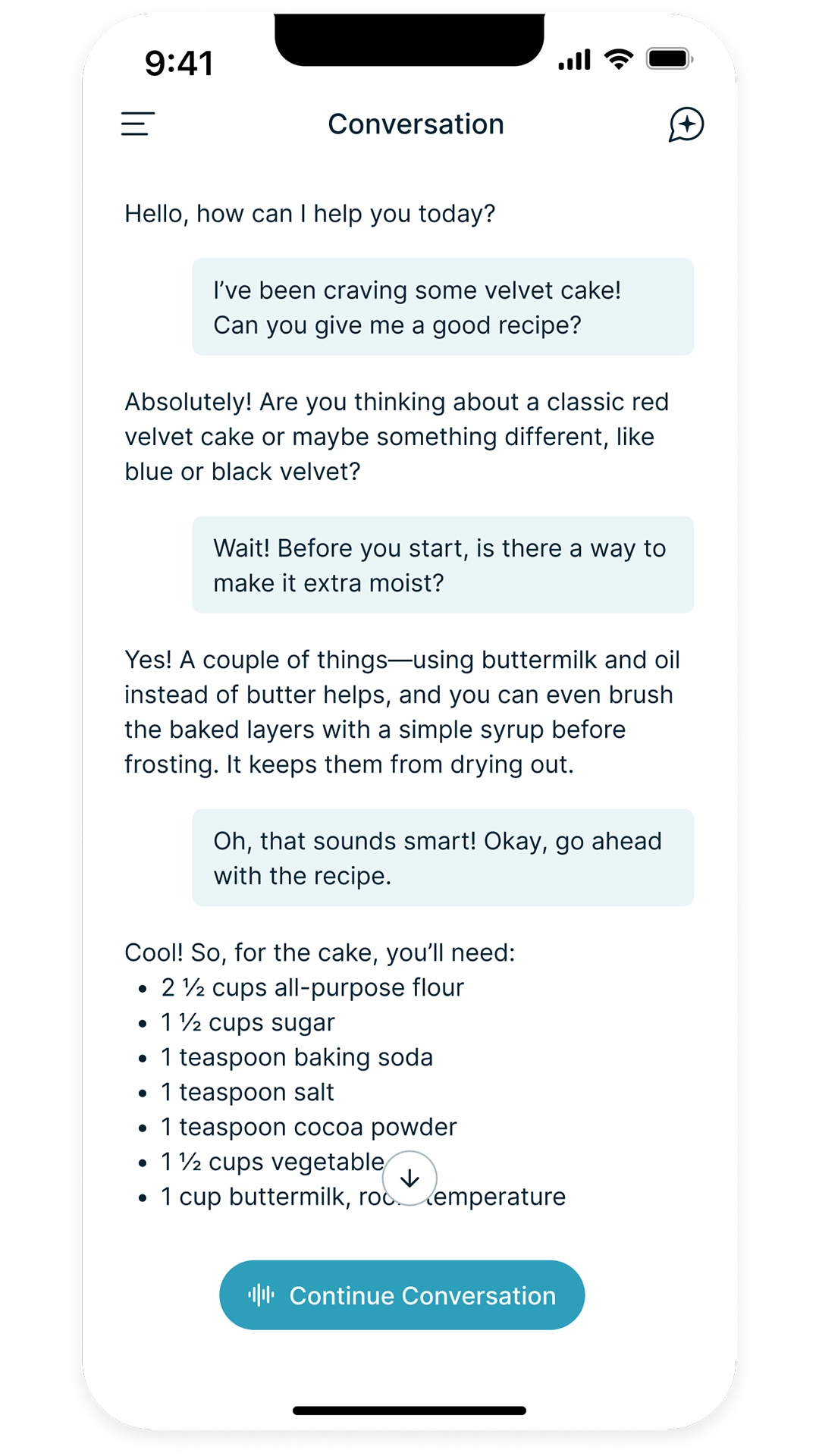
Conversation history
Follow-up
04
Adapting to different users

Designing for different levels of access

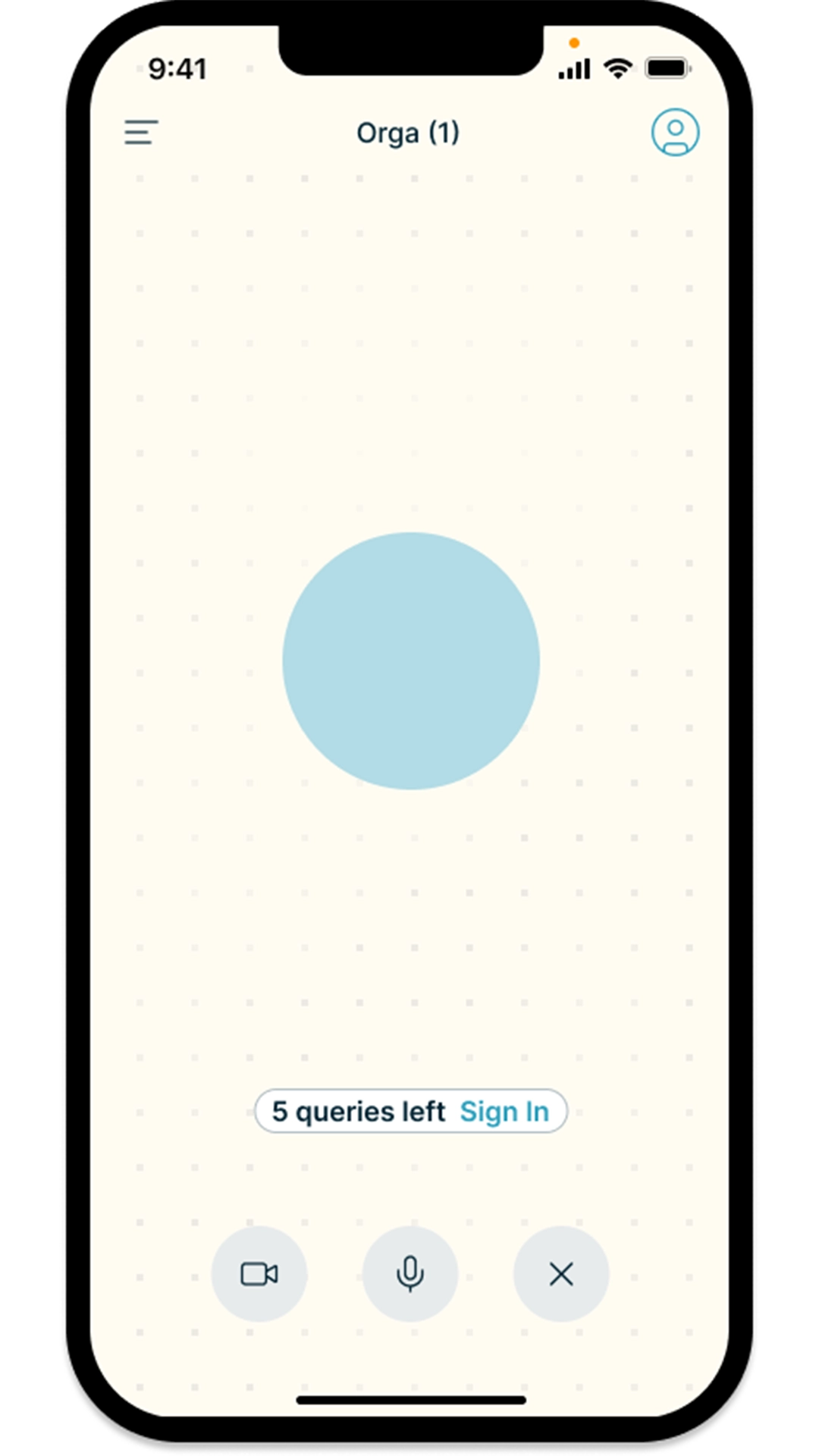
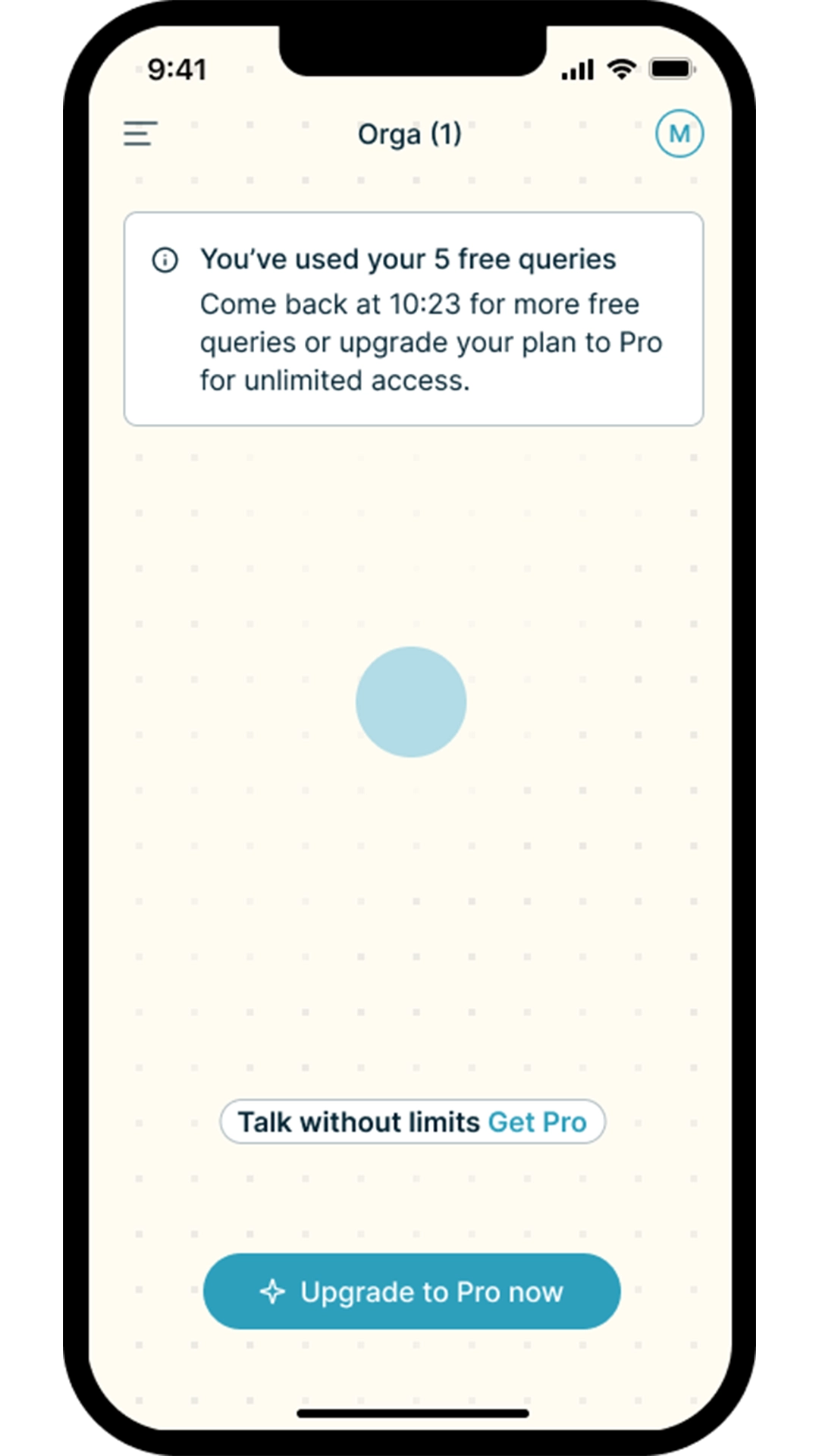
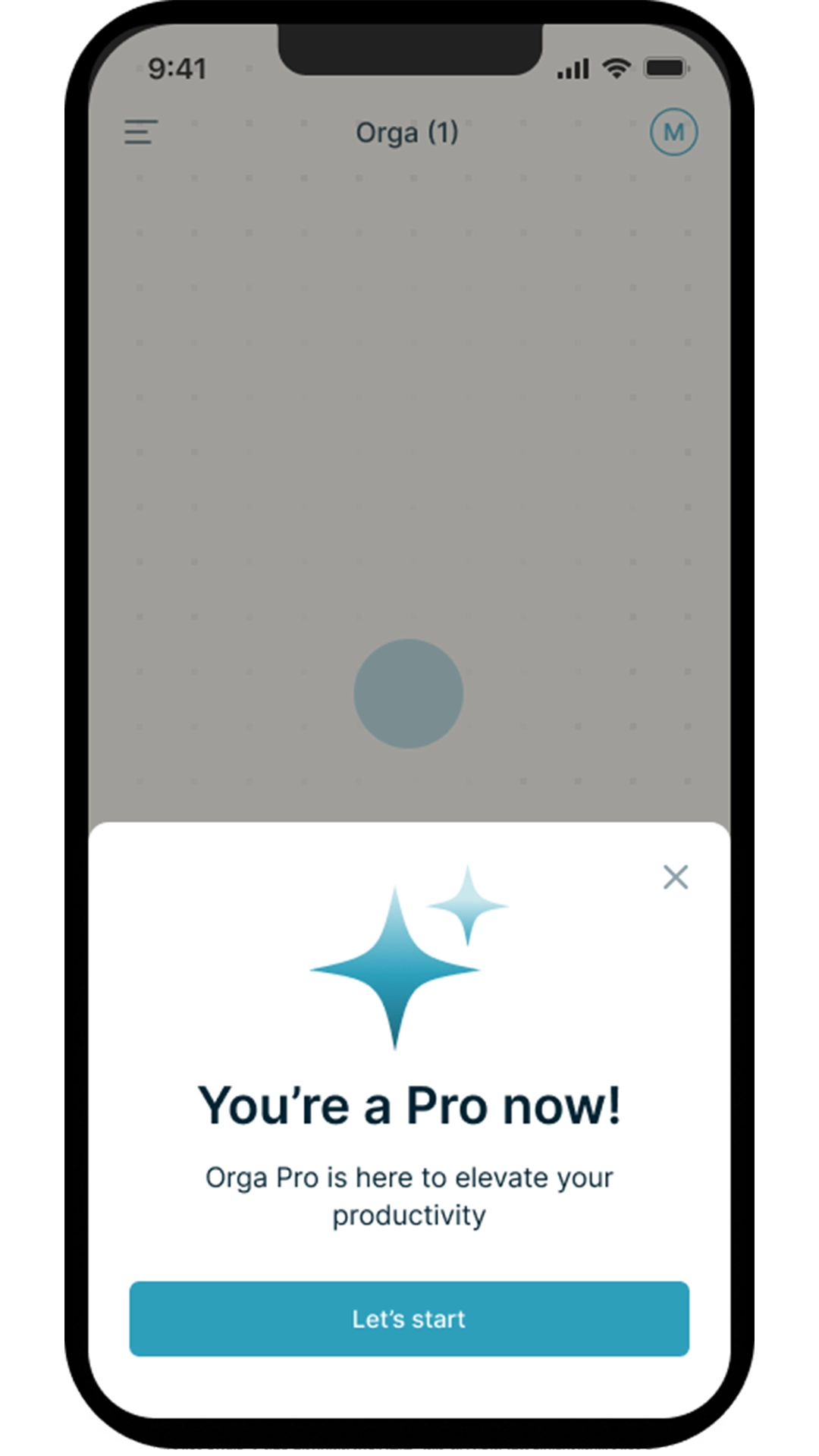
Guest, Free and Pro users needed different capabilities while still feeling part of the same product.

I designed the access model around a shared interaction pattern and visual language, adapting features without fragmenting the experience.

Guest
Free
Pro
05
Refining the AI Interaction

Making system states easy to understand

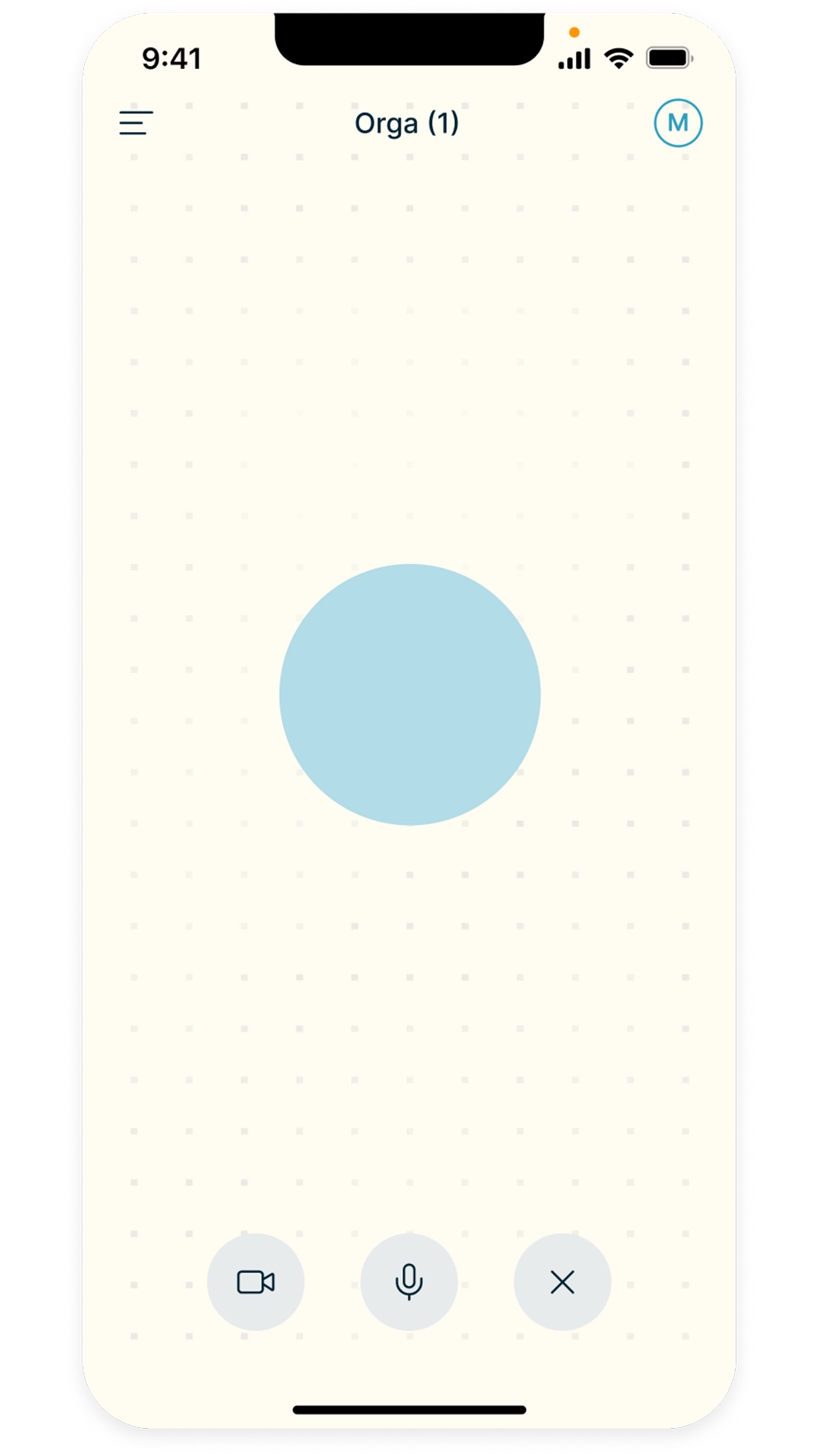
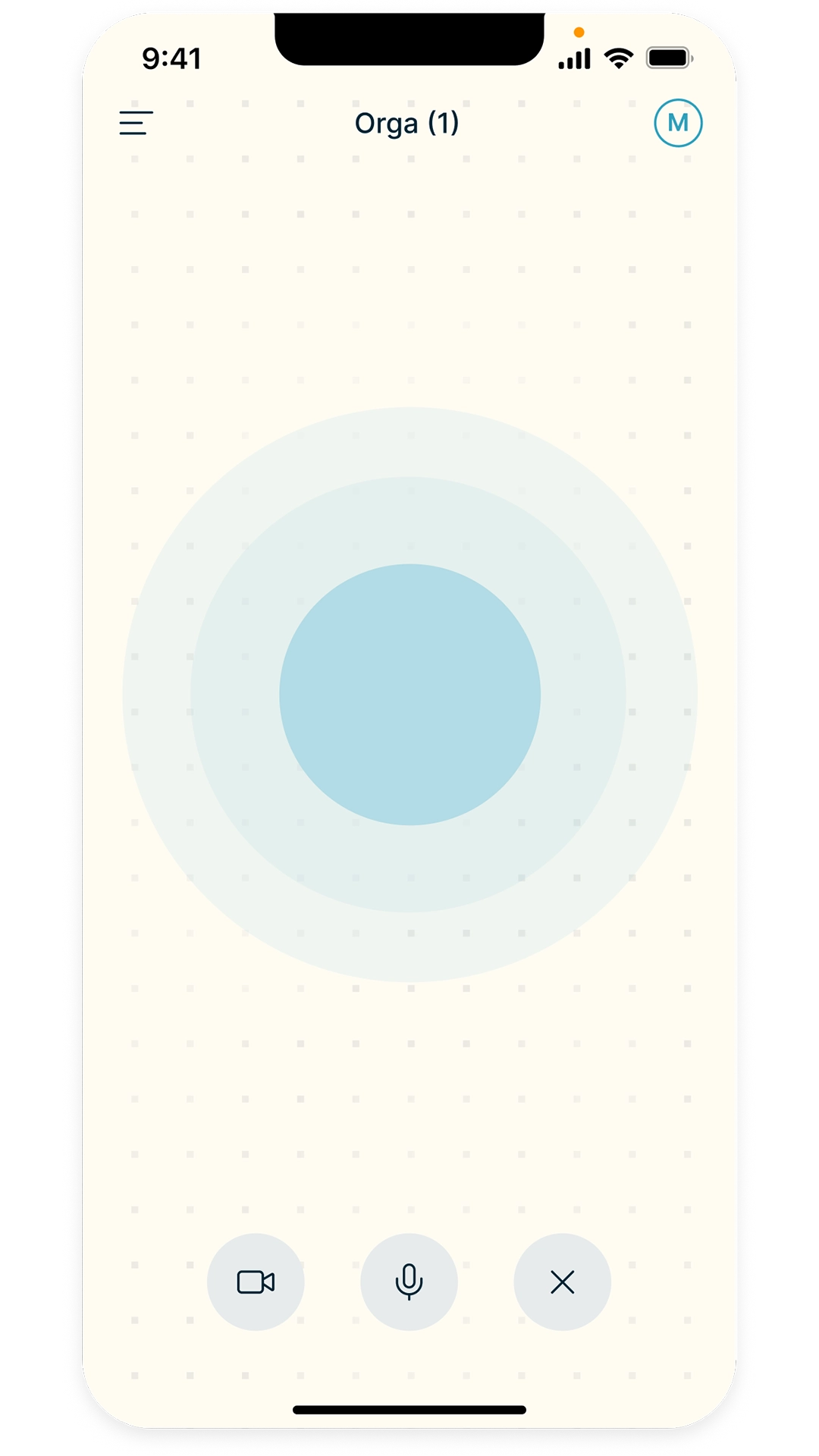
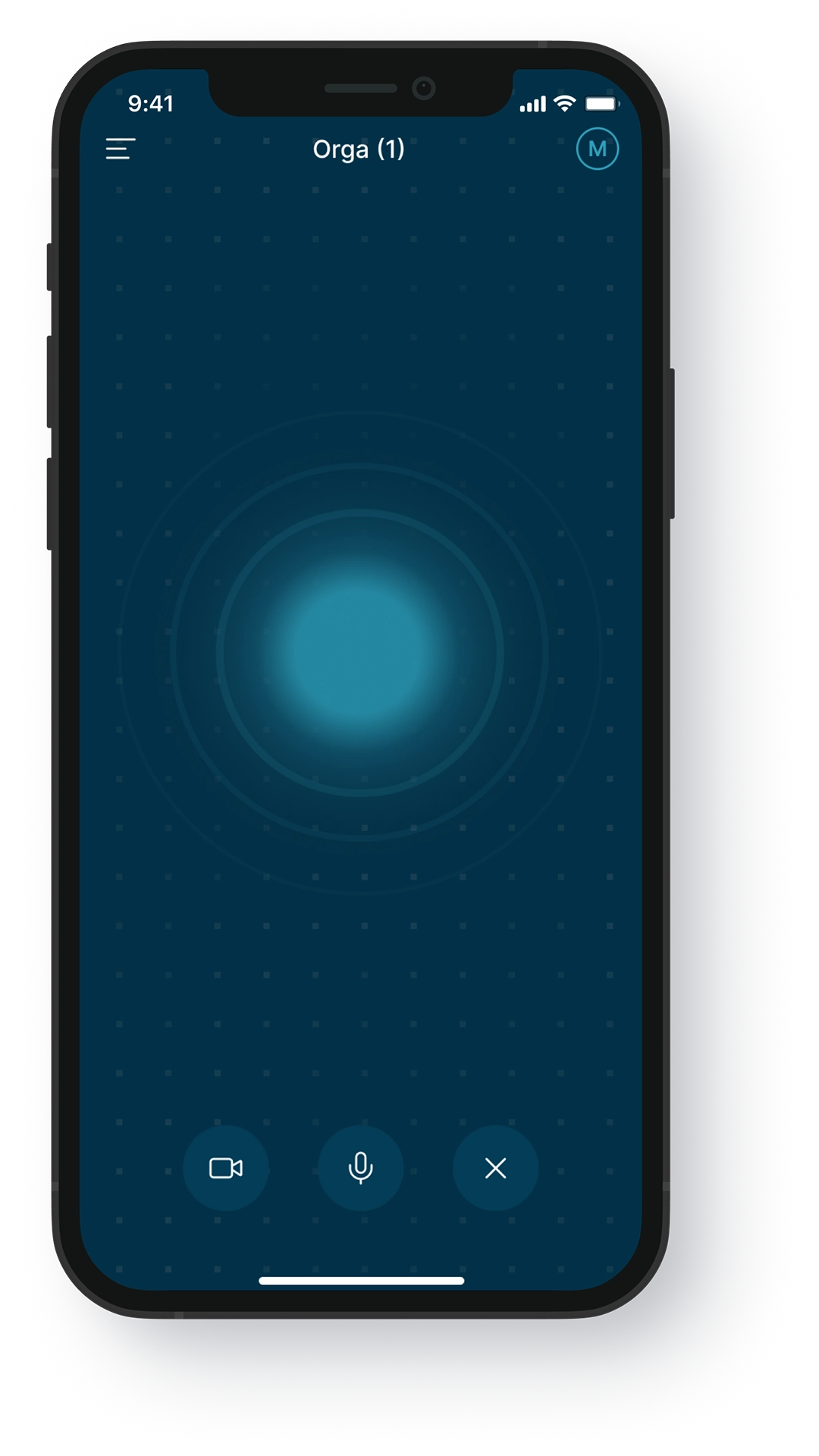
Because the assistant could be listening, processing or responding, users needed clear feedback at every moment.

I explored visual states and motion cues that communicated system status without adding unnecessary interface elements.

Waiting
Listening
Responding
06
Bringing it all together

A cohesive final experience

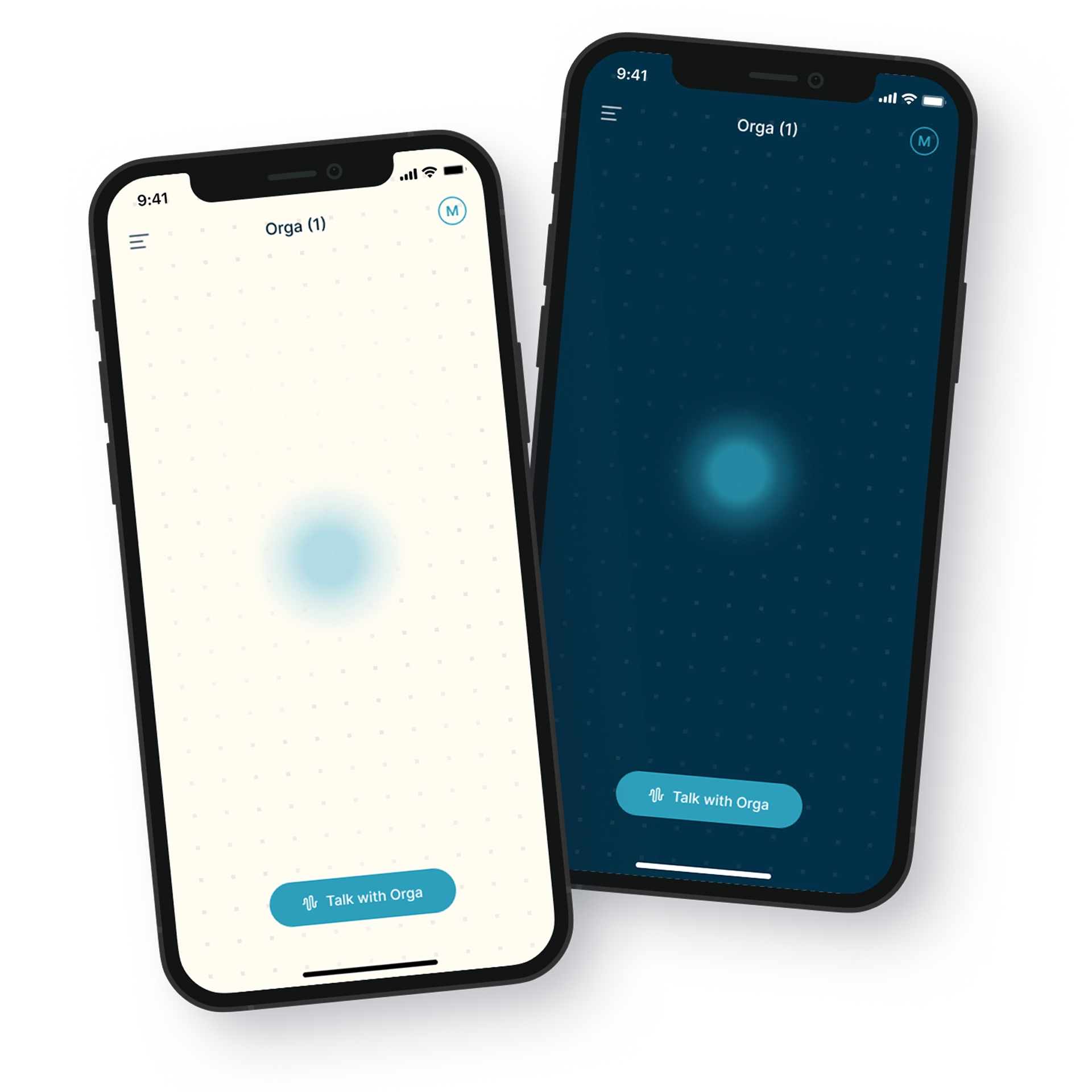
The final design brought the interaction model, access levels and visual system together across light and dark modes.

Reusable components and documented states helped create a consistent experience and prepare the product for development.

Outcome

A foundation for future growth

Starting from a broad 0→1 concept, the project defined the core use cases, shaped a focused MVP
and established an interaction system that could evolve with the product.
The final design gave Orga a coherent foundation for future mobile iterations.

Key learnings

•  AI interactions need clear feedback so users always understand what the system is doing.

•  Keeping the MVP focused helped turn a broad product vision into a more usable first experience.

•  Designing different access levels required balancing product constraints with a consistent user experience.